
A todo goes stale wherever you don’t look. Notada lists it beside your notes until you tick it off.
Download for MacFree for thirty days. Then $20, once.
How it works
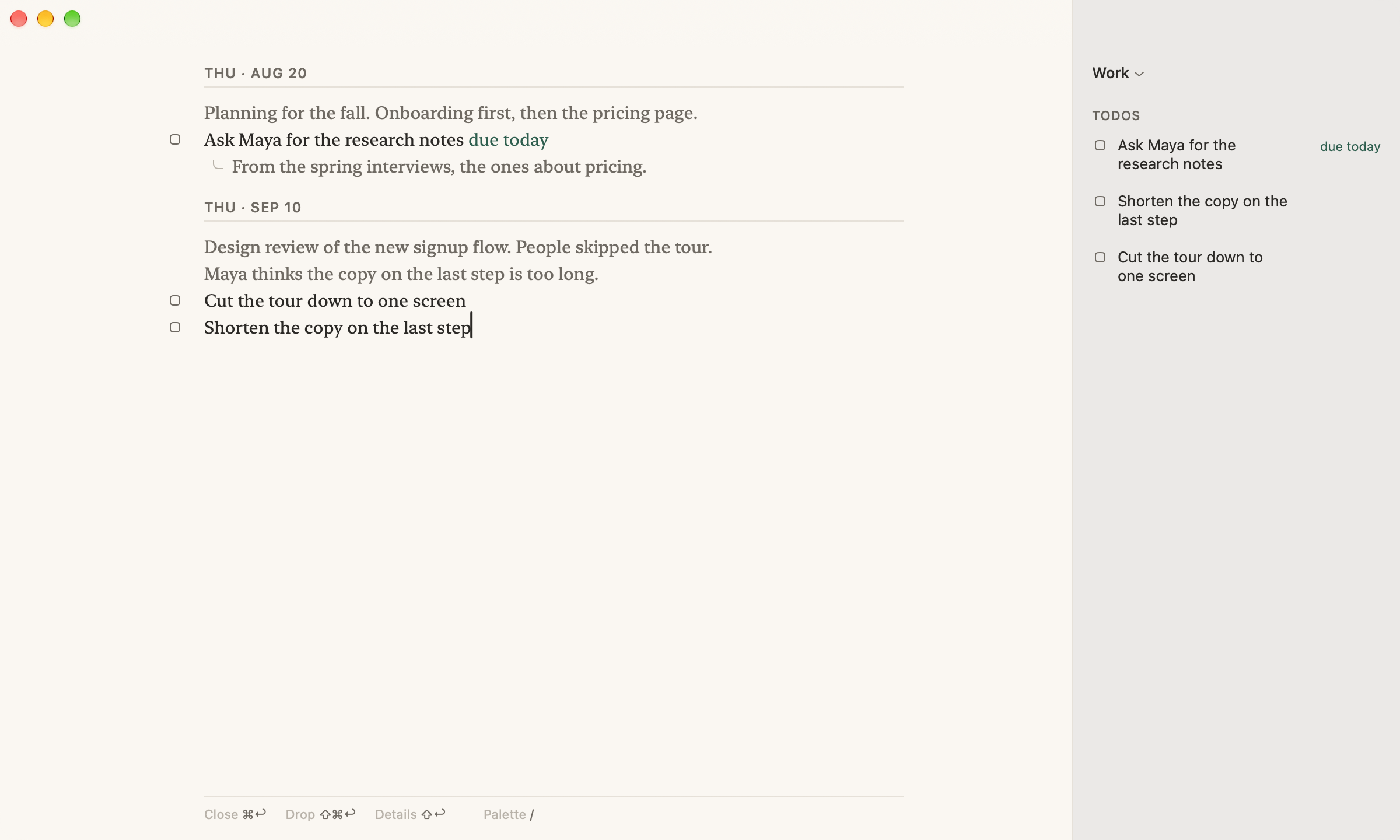
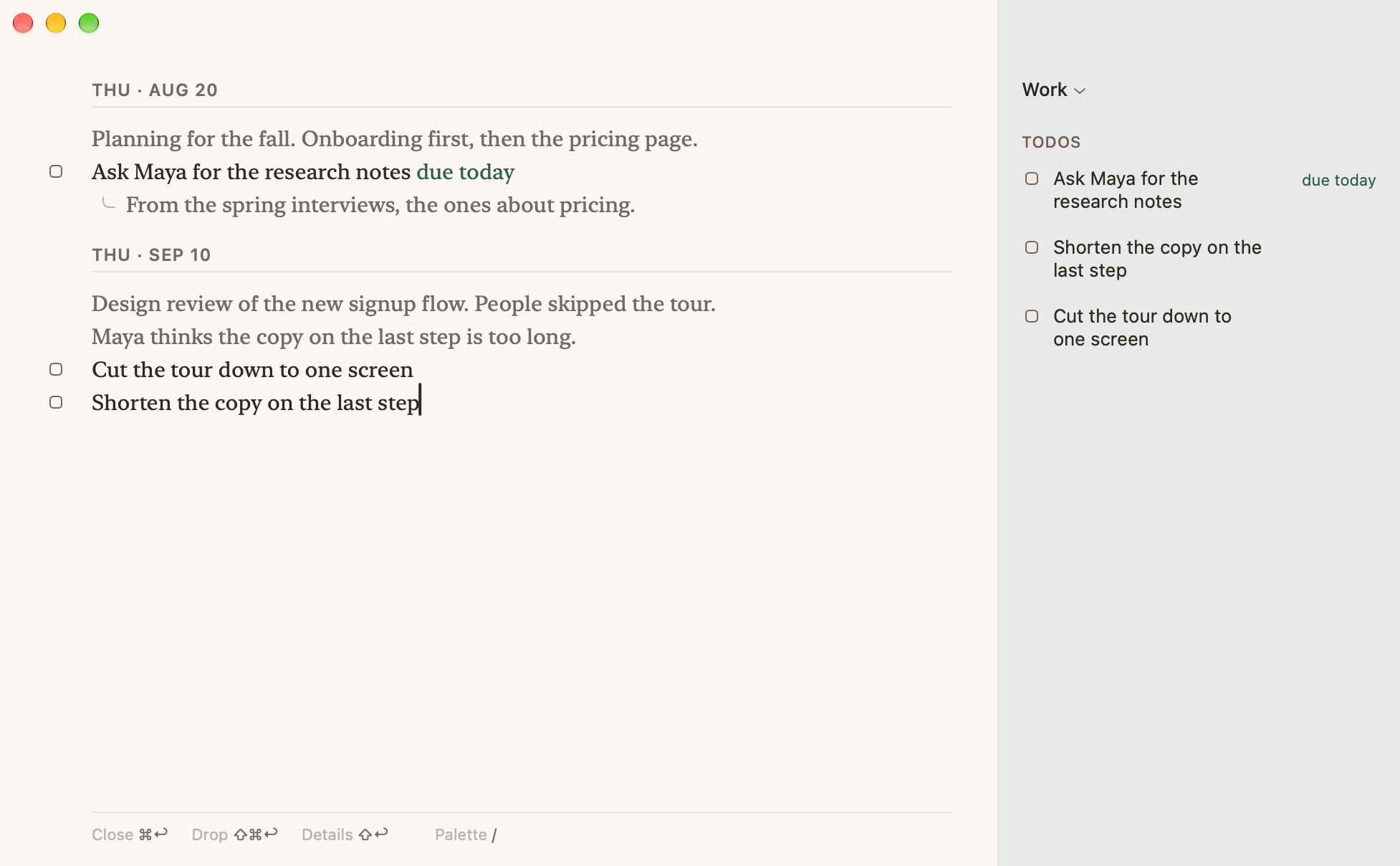
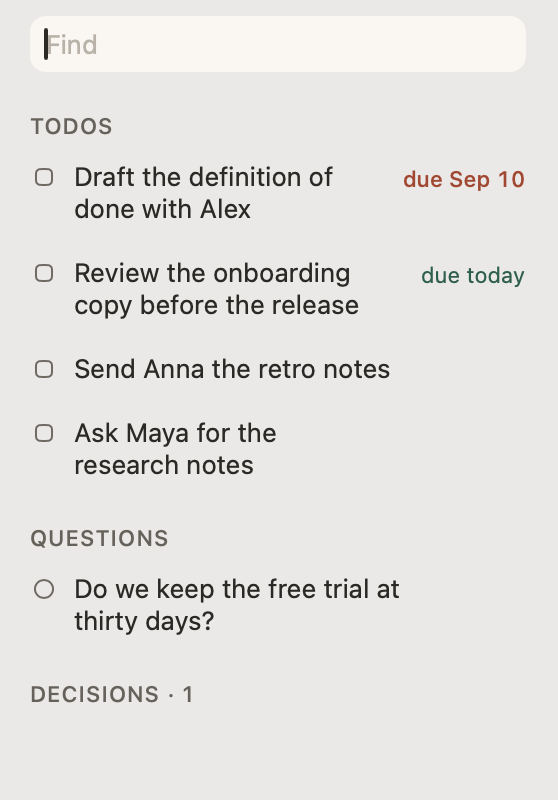
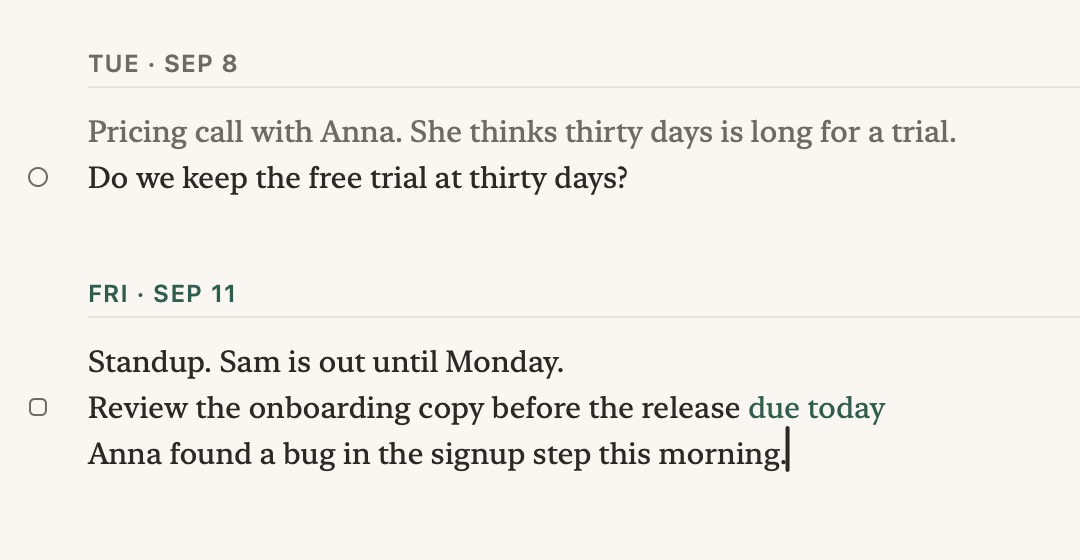
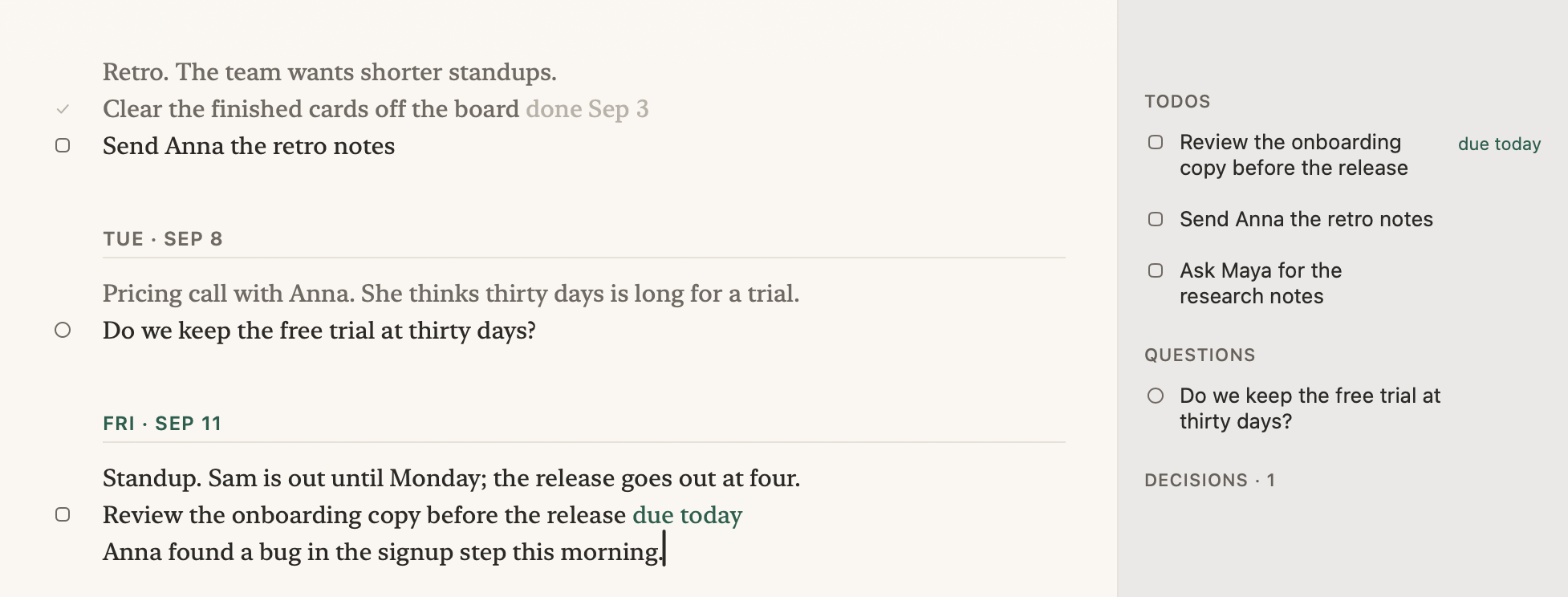
You never start a new note. You keep writing at the bottom of the same notepad, a new date for each day, and the list beside it shows every open todo and question, however long ago you wrote it.
Four marks
It waits in the list, and holding ⌥ shows how long it has waited. Write due:fri on the line, and it turns red only once Friday has passed.

When the answer comes, click the question. It is copied down to where you are typing, ready for the answer.
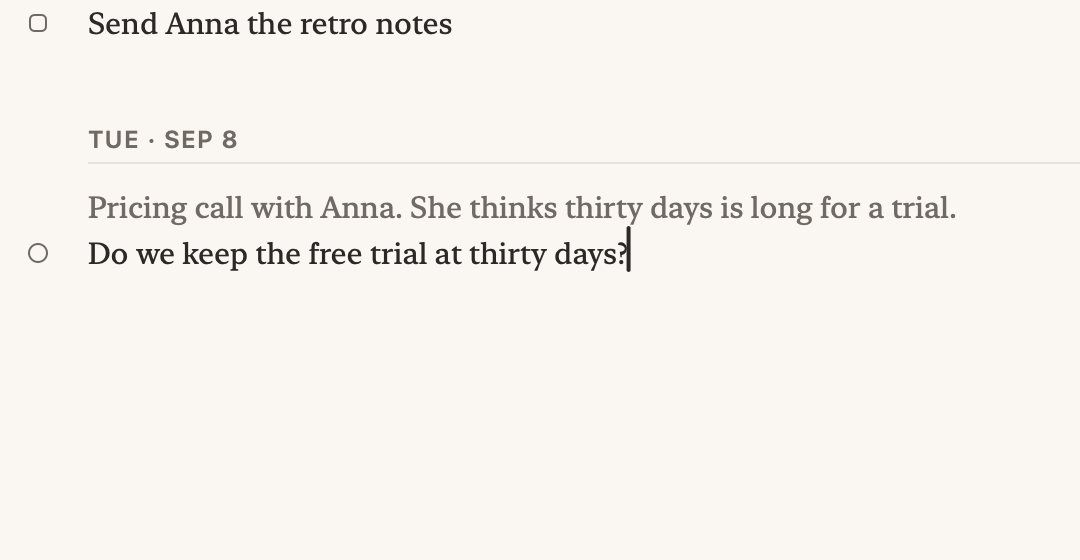
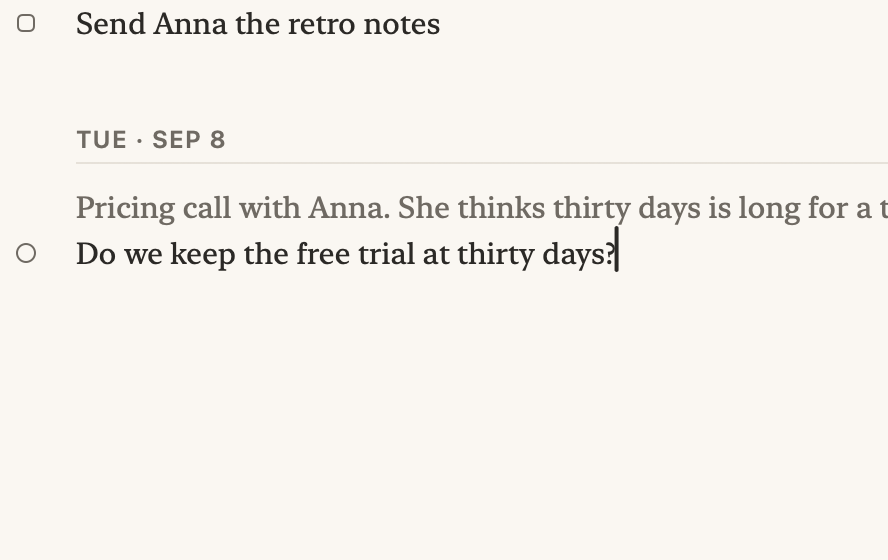
It stays in the list for good. Weeks later, ⌘F finds what you agreed, and the list narrows to it.
If a line reads like a todo, a question, or a decision, a dashed mark appears beside it. Click it, or leave it.
On Macs with Apple Intelligence.
Your assistant
Connect Claude, Codex, Cursor, or any MCP client on your Mac. It reads your open todos and questions, writes your standup brief, and adds a todo or closes one.
 Read your open items and questions
Here’s your day, Friday, September 11:
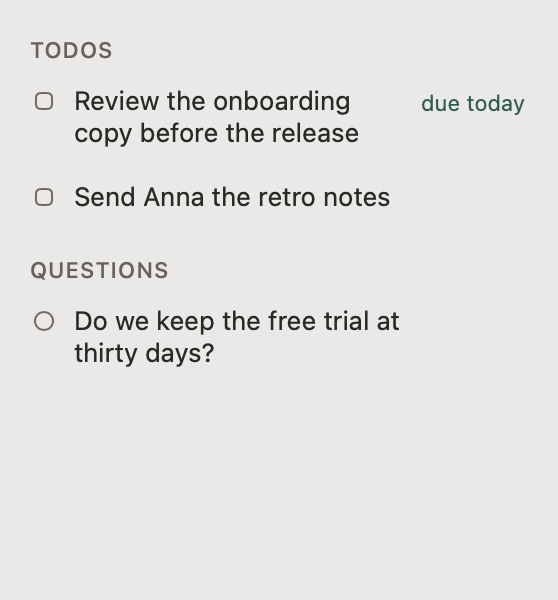
Start with the onboarding copy, then fire off the retro notes to Anna.
Closed “Send Anna the retro notes”Added “Book the pricing review with Anna”Done. “Send Anna the retro notes” is closed, and I’ve added “Book the pricing review with Anna” due Monday, September 14.
That leaves the onboarding copy review for today.
On disk
Markdown in your Documents folder, with no database and no account. Edit it in any editor, and Notada shows the change.
## 2026-08-20
Planning for the fall. Onboarding first, then the pricing page.
- [ ] Ask Maya for the research notes due:2026-09-11
	From the spring interviews, the ones about pricing.
## 2026-09-10
Design review of the new signup flow. People skipped the tour.
Maya thinks the copy on the last step is too long.
- [ ] Cut the tour down to one screen
- [x] Shorten the copy on the last step done:2026-09-11
## 2026-09-11
Standup. Anna found a bug in signup.
- [ ] Send Anna the release notes
- [?] Who owns the pricing page?
- [!] Pricing waits until October.

In context
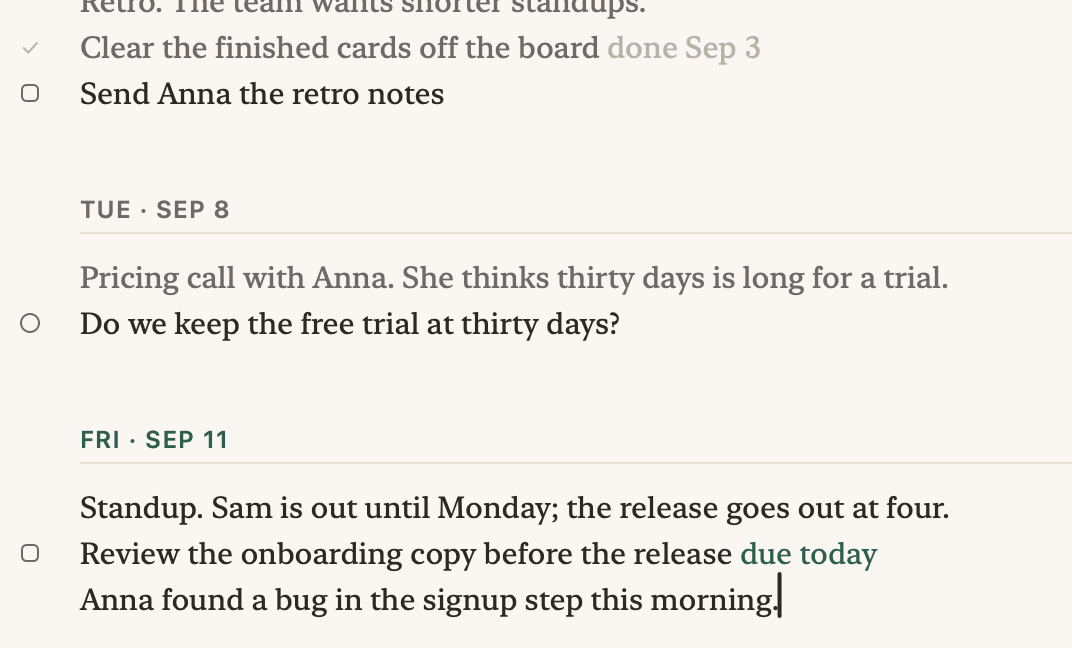
Click a row in the list, and your notes go back to where you wrote it, three weeks up, with what you wrote under it.
From the maker
I have given up on more notes apps than I can count, and the writing was never the problem. The todos I wrote down scrolled out of view and went stale, and a task manager did not help, because I never opened it. My notes are where I think, so that is where the list had to live. I built Notada for my own workdays, and it is where they live now.
Daniel Larsson
Free for thirty days. Then $20, once.
Download for MacVersion 1.3, October 5, 2026 · macOS 15 or later
Refunds within fourteen days, no questions asked.
Buy a licenseWhat’s newAssistant setupFile formatPrivacyhello@notada.app
Your notes never leave your Mac. The app sends anonymous usage data, which you can turn off. What it sends.